 Tabwell
Are the basics free?
Tabwell: yesAdd as many expenses as you need and search through your expense history. AI-powered receipt scanning reads every item, and giving each item to the right person is a tap on a name. No ads.
The basics, free
- Unlimited expensesNo daily limit
- No adsNone in the app or the emails
- SearchYour whole expense history
- Currencies and converted totals20 currencies, each amount labelled
- AI receipt scanningPhoto, PDF or screenshot, 10 a day
- Split by itemNobody has to remember at the table. Each person adds their own items afterwards
- Recurring expensesRent and bills, added for you
- The web app on a computerA desktop layout for power users
- Dark modeBasically obligatory
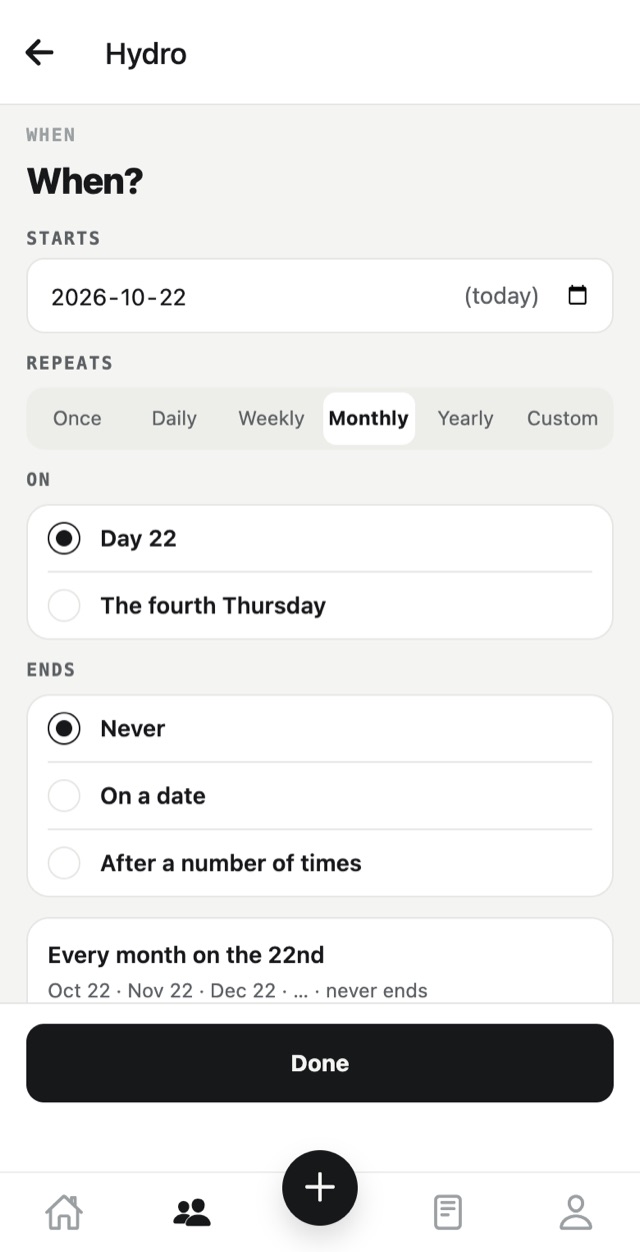
Can it add the rent for you every month?
Tabwell: yesSet up the rent or the hydro bill once. Tabwell adds it to the group on its date, so nobody forgets their share.
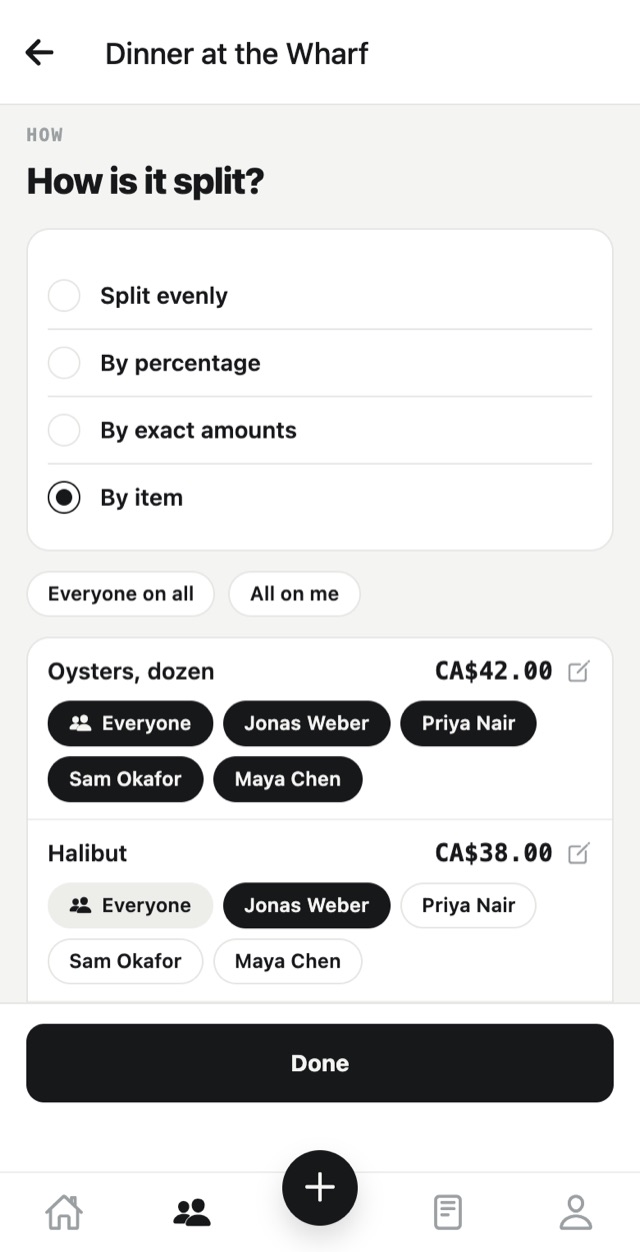
What if you don't remember what everyone got for dinner?
Tabwell: leave it unassignedAI-powered scanning reads each item, the tax and the tip from a photo, a PDF or a screenshot. Tap a name or Everyone on each item.
Not sure who had the halibut? Save the receipt with that item unassigned. Each person adds their own items afterwards, from their own phone. Tax and tip follow what each person had.
Dinner at the Wharf · CA$144.00
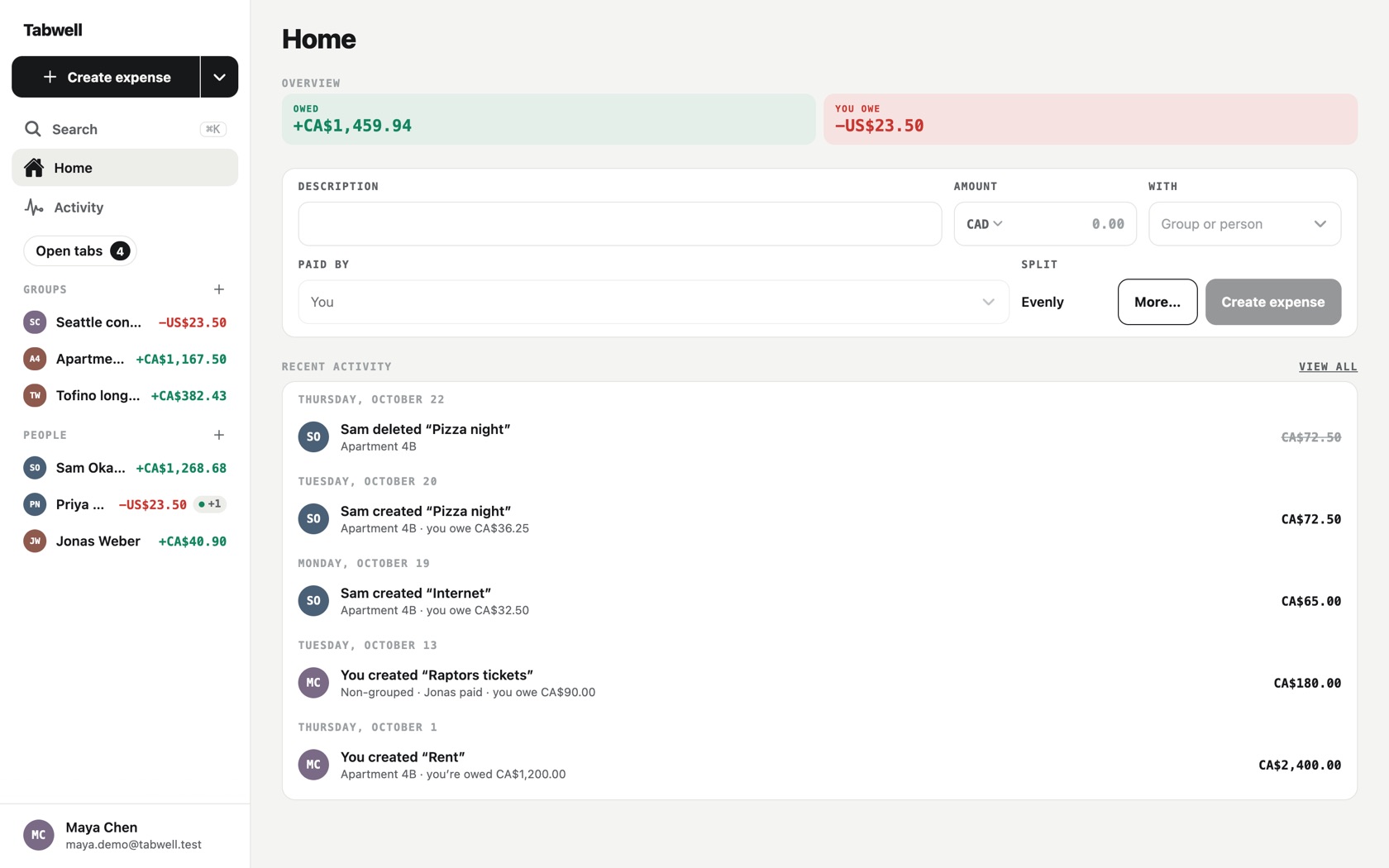
Does it work on a big screen?
Tabwell: yesThe web app has a full desktop layout for power users. Groups, people and every expense share one screen, so a long trip or a busy household is easy to keep in order.
Does it work wherever you are?
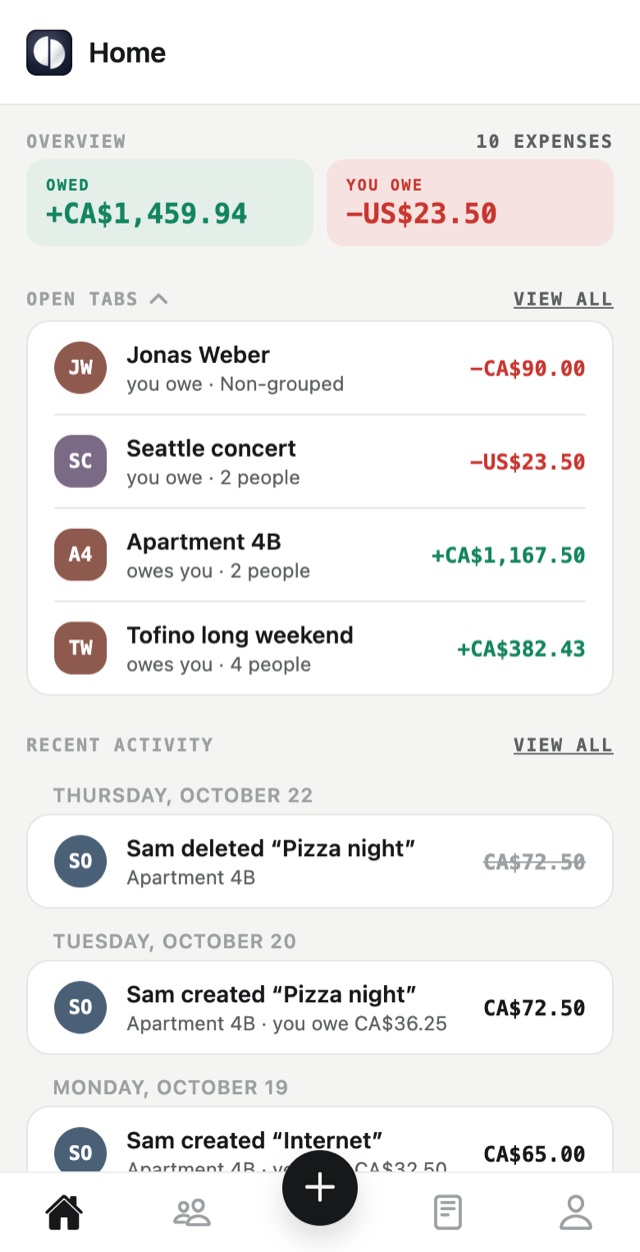
Tabwell: yesTabwell has 20 currencies, and every amount says which one: CA$ or US$, never just $. A trip to Seattle keeps its own currency, next to your tabs at home.
The app, the emails and the notices come in 14 languages. Each person gets their own, whoever created the expense.
- English
- Français
- Deutsch
- Español (España)
- Español (Latinoamérica)
- Português (Brasil)
- Português (Portugal)
- Italiano
- Русский
- हिन्दी
- 简体中文
- 繁體中文
- 日本語
- 한국어
Made in Canada.
And the small things
Quiet notices
When an expense changes, only the people whose amount changed are told.
Undo a delete
A deleted expense stays in Activity. Open it and tap Restore expense.